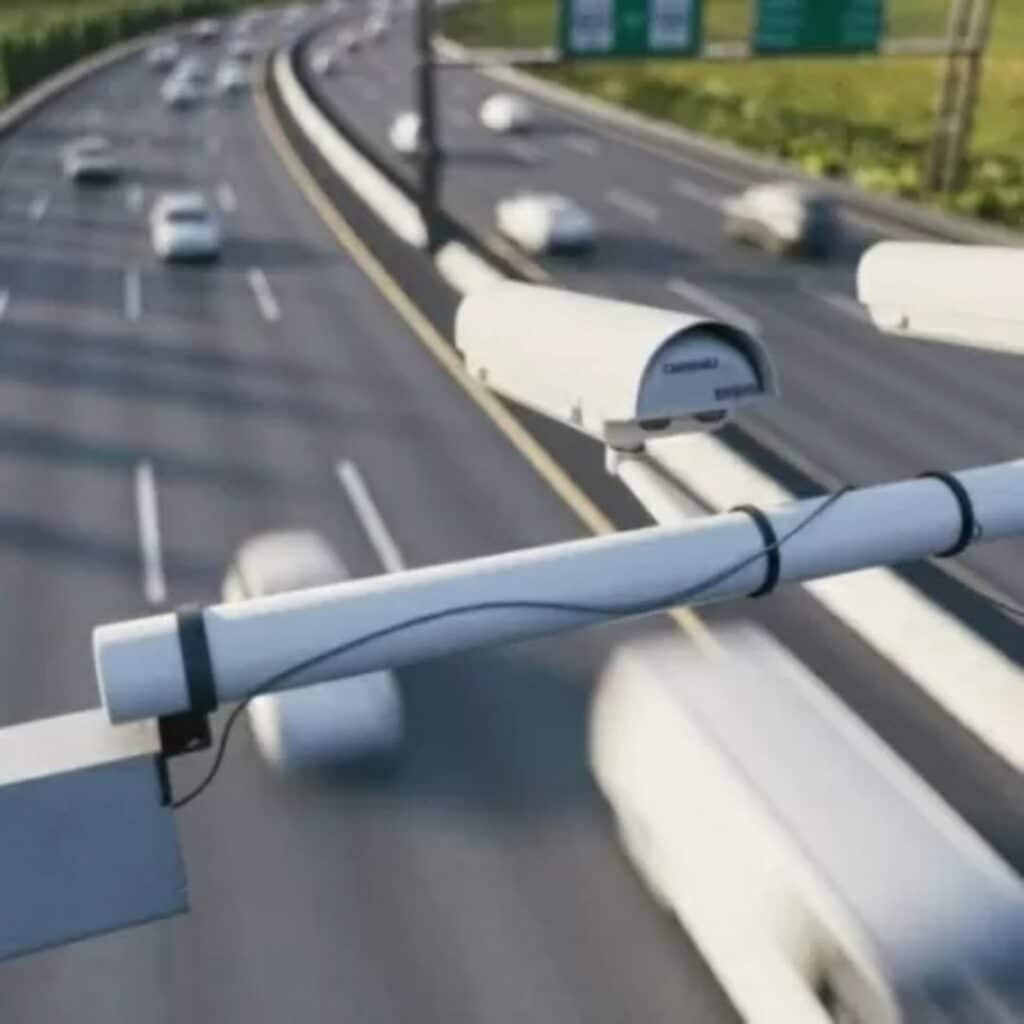
How does a radar detector work on your mobile device?
Radar detector technology has become an essential tool for vehicle drivers. In particular, mobile applications that function as radar detectors offer a convenient and accessible alternative to keep drivers alert about possible risks on the road. In this article, we will explore how these applications work and how they can help improve road safety. How does a radar detector work on your mobile device?
What is a radar detector?
A radar detector is a tool designed to alert drivers about the presence of speed cameras on their route. These devices or applications are especially useful for avoiding traffic tickets for speeding, as they offer advance warning about the location of the radars.
In the case of mobile applications, the concept is similar: by connecting to GPS and using updated databases, the applications can detect radars and notify the driver. These alerts can be visual or audible, providing immediate notification while driving.
Benefits of using a mobile radar detector
Using a radar detector on your mobile phone has several benefits. Below, we show you some of the most notable ones:
- Preventive notice: These apps provide warnings before the driver approaches a radar. This gives them time to slow down and avoid being fined.
- Updated database: Radar applications typically have databases that are regularly updated to reflect the location of new radars on the road.
- Risk reduction: By knowing the location of radars, drivers can avoid accidents caused by sudden braking by seeing an unexpected speed radar.
- Money saving: Avoiding speeding tickets not only contributes to road safety, but also helps reduce fine spending.
How does a radar app work?
These applications work by integrating with your mobile phone's GPS system. Below we explain how the process works:
- Gps connection: When the driver uses the app, their phone's GPS is activated to determine their exact location.
- Radar database: The application has access to a database of known radars. This database is updated regularly and contains information on the location of speed radars, traffic light cameras, and other control points.
- Notifications: When the user approaches a radar, the application sends them a visual and/or audible alert to inform them about the speed radar. This alert can be anticipated, giving the driver time to slow down if necessary.
- Real-time updates: Some apps allow users to share information about additional radars they have encountered, enriching the database and making alerts more accurate.
Main features of radar applications
Mobile radar detection apps typically include a variety of features useful to drivers. Listed below are some of the most common features:
- Detection of fixed and mobile radars: Many applications can detect both fixed and mobile radars, providing you with complete coverage.
- Custom alerts: Users can adjust the type of alert they prefer to receive (sound, vibrant or visual). This allows them to adapt the experience to their needs.
- Driving mode: Apps typically offer a “” driving mode, which optimizes the interface to be easier to use while behind the wheel. This includes larger screens, fewer distractions, and more prominent alerts.
- Friendly user interface: The applications have an intuitive and easy-to-navigate interface, allowing drivers to receive alerts clearly and directly.
- Background mode: Many apps allow you to continue running in the background, meaning drivers can continue receiving alerts without having to keep the app open on their screen.
Comparison between platforms
Radar applications are available for both Android as for iOS. Although both platforms have very similar applications in terms of functionality, there are some notable differences that can influence your decision when choosing the best option:
- Android: Android devices are typically more customizable in terms of notification settings and battery control. Additionally, apps on Android can run with higher system access permissions, which can result in smoother performance.
- iOS: iPhone radar apps are highly optimized for Apple devices. Although system permissions are more limited, the apps are extremely reliable and integrate well with the iOS ecosystem.
Legal and ethical considerations
Although radar applications are useful tools for driving, it is important to take into account certain legal and ethical aspects related to their use. Some countries have strict regulations on the use of radar detectors, and in some areas, the use of these applications may be illegal. It is essential that drivers check local laws before using these applications.
Additionally, while these apps help avoid fines, it is important to remember that road safety should always be the priority. Slowing down in radar zones is important, but it is always best to drive at a speed that is safe depending on road conditions.
Is it possible to completely trust a radar application?
Although radar applications are useful and accurate in most cases, it is important not to rely exclusively on them. Radars can change location or be installed without warning, so it is always essential to remain alert while driving. Prudence and respect for traffic rules are crucial for safe driving.
Conclusion
Mobile radar apps offer a great way to improve road safety by warning drivers about radars and other checkpoints on the road. With features like personalized alerts, real-time updates, and a friendly interface, these apps are essential tools for those looking to avoid fines and drive safer.
However, it is important to remember that while these apps are useful, driver responsibility remains paramount. Staying informed about local laws, respecting speed limits and driving safely are key aspects of a safe and responsible driving experience.